Precision tuning for gamers, streamers, and power users

Turn your PC into a cleaner, faster machine.

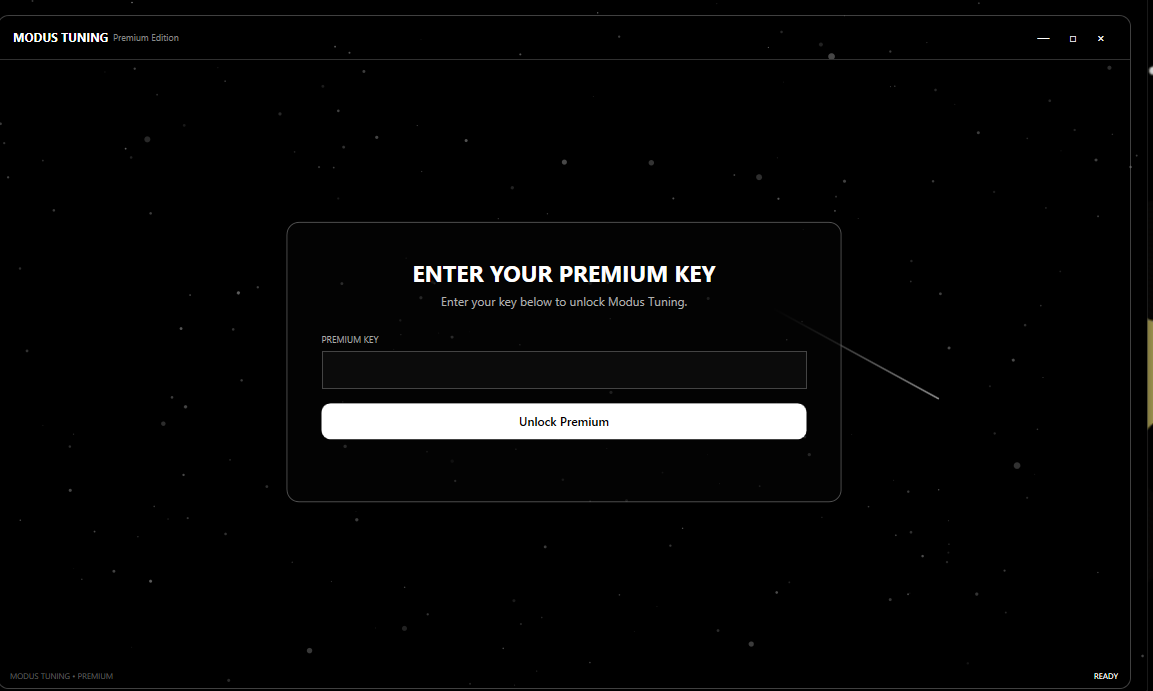
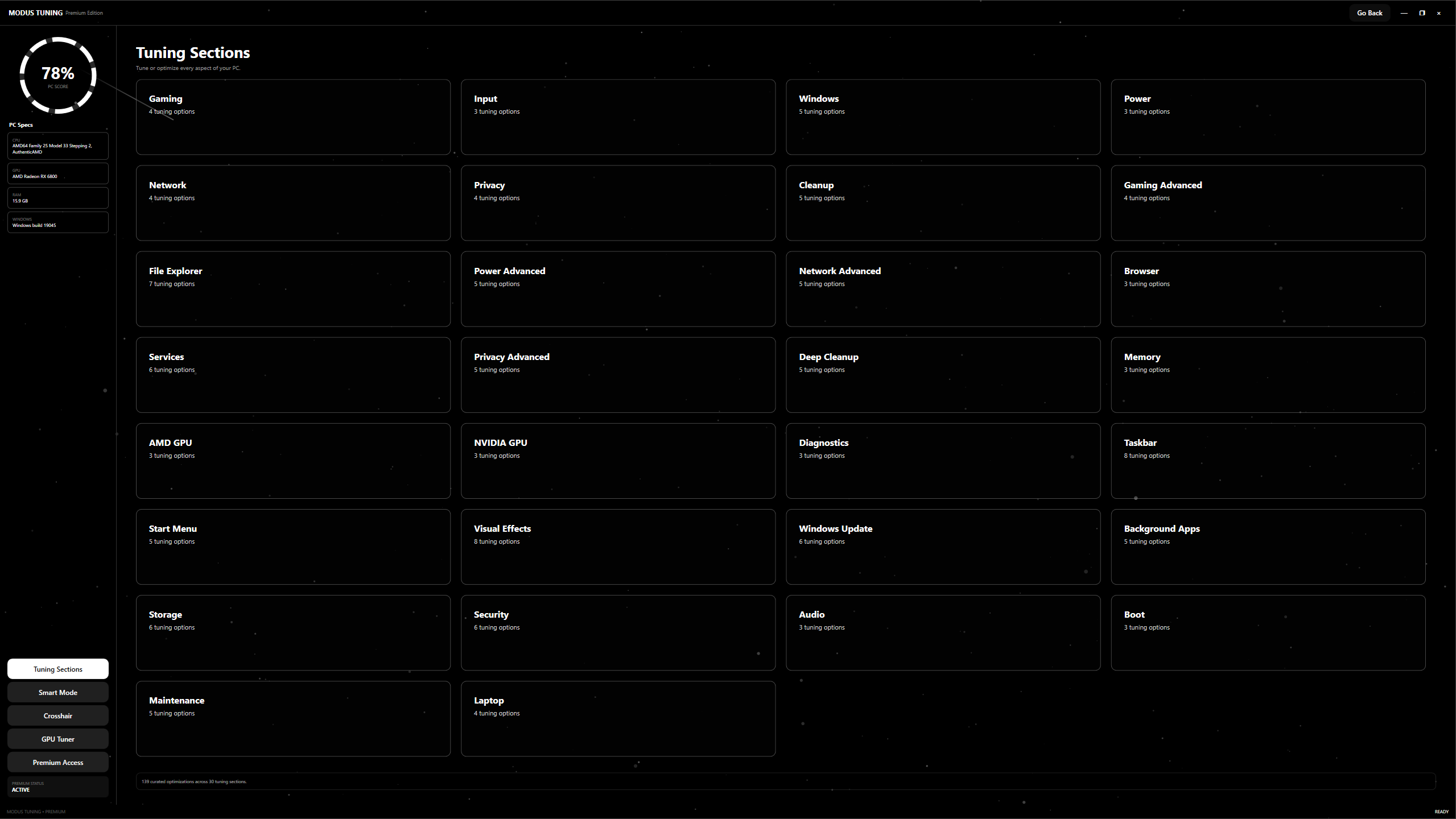
ModusTuning fine-tunes Windows behavior, startup load, background activity, and latency-sensitive settings so your setup feels tighter, snappier, and more consistent under pressure.

Explore the tweaker as you scroll.

The panel below grows while you move through the section, giving it that tall app-demo feel without using any screenshots.

55 tweaks total All tweaks

All tweaks

Browse every tweak in the workspace. Click cards to build your selection as you go.

Selection
0 selected
55 visible tweaks in this section
Clear selection
Apply selected
SAFE Safety

Create restore point

Makes a restore point before any changes are applied.

SAFE Safety

Enable system restore

Turns restore protection on for the system drive.

SAFE CPU

Reduce menu delay

Makes Windows menus feel more responsive.

SAFE CPU

Enable Game Mode

Lets Windows prioritize game workloads.

Everything you need. One elite tuning service.

An optimization studio built around clarity, responsiveness, and visible results. The focus is simple: make your machine feel sharper without turning it into a mystery.

01

System-level cleanup

Trim startup clutter, quiet background noise, and reduce the friction that builds up over time on a heavily used Windows install.

02

Input and latency focus

Apply measured changes designed to keep the machine responsive when you need fast reaction time, smooth frame pacing, and consistent behavior.

Unified control

One place to understand your tuning setup.

The layout mirrors the calm, premium feel of the reference site, but the copy and visuals stay original to ModusTuning. No clutter, no chaotic sales wall.

Instant performance clarity from the first audit
400+ small adjustments and checks possible
100% focused on stable delivery
Low noise, low clutter, low confusion
At a fraction of your upgrade costs

Why spend on hardware first?

If your current system still has headroom, smarter tuning can often unlock a better experience for far less than a new GPU, motherboard, or full rebuild.

Estimate only. Actual gains vary by system configuration, thermal headroom, and the condition of the machine we're starting from.

Hardware upgrade

Average market cost for a meaningful jump

$500+

ModusTuning service

Professional optimization pass

$10+

Performance upside

Cleaner feel, lower friction, more consistency

Immediate

Built on trust. Engineered to last.

We keep the workflow measured, reversible where practical, and centered on consistency so you can keep using your PC like normal.

A1

Compatibility first

We focus on common Windows environments and hardware setups so the result stays practical, not fragile.

A2

Change visibility

You should know what changed and why. The tune is meant to be understandable, not mysterious.

A3

Follow-up support

If something needs a quick look after delivery, the process is designed to keep support simple and direct.

How it works

The whole thing stays straightforward from the first message to the final handoff.

01

Audit

We inspect the system and identify where the easiest wins are likely hiding.

02

Configure

Measured adjustments are applied to reduce clutter and improve responsiveness.

03

Validate

We check stability and make sure the machine still behaves like a usable daily driver.

04

Deliver

You get your tuned setup, a summary of changes, and the next best steps if needed.

Choose your package

Pick the path that fits your setup. The free utility is included up top, and the paid options unlock more hands-on tuning.

Bios Tweaks
$10

Focused BIOS-level tuning for users who want a deeper performance pass.

  • BIOS optimization guidance
  • Core stability checks
  • Post-tweak summary
Buy
Manual Tweaking
$5

Hands-on tweaking support for users who want a more direct custom pass.

  • Manual adjustment session
  • Personalized tuning path
  • Clear handoff notes
Buy

Support Center

Answers to the things people usually ask before they hand over a PC for tuning.

Is ModusTuning safe for my main PC?

The goal is to improve performance while keeping the setup sensible for everyday use. We avoid reckless changes and keep the process transparent.

Is this only for gamers?

No. Streamers, creators, and anyone who wants a cleaner, more responsive PC can benefit from a good tuning pass.

Do you support more than one machine?

That depends on your package and how you want the service delivered. The page is flexible if you want to define account or license rules later.

Can you customize the branding?

Absolutely. The colors, logo, pricing, and contact flow can all be adjusted without changing the overall layout language.

Simplify the way you see your system performance.

Bring ModusTuning to life with your own contact link, booking flow, or checkout setup. The structure is already in place for a premium, conversion-focused launch page.